

Description
|
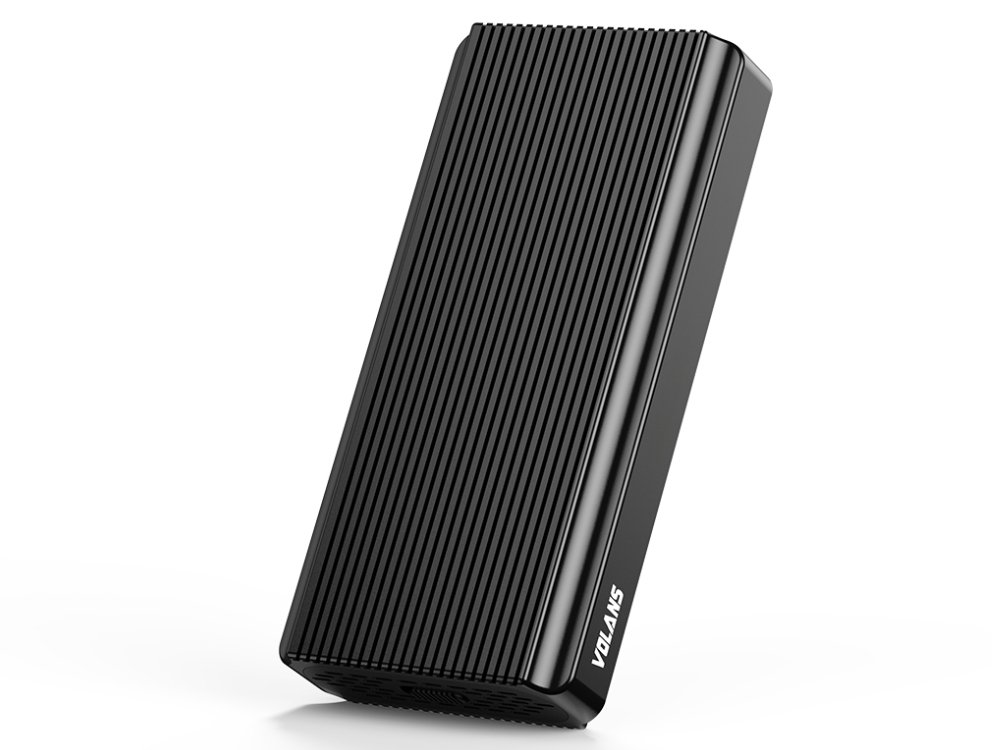
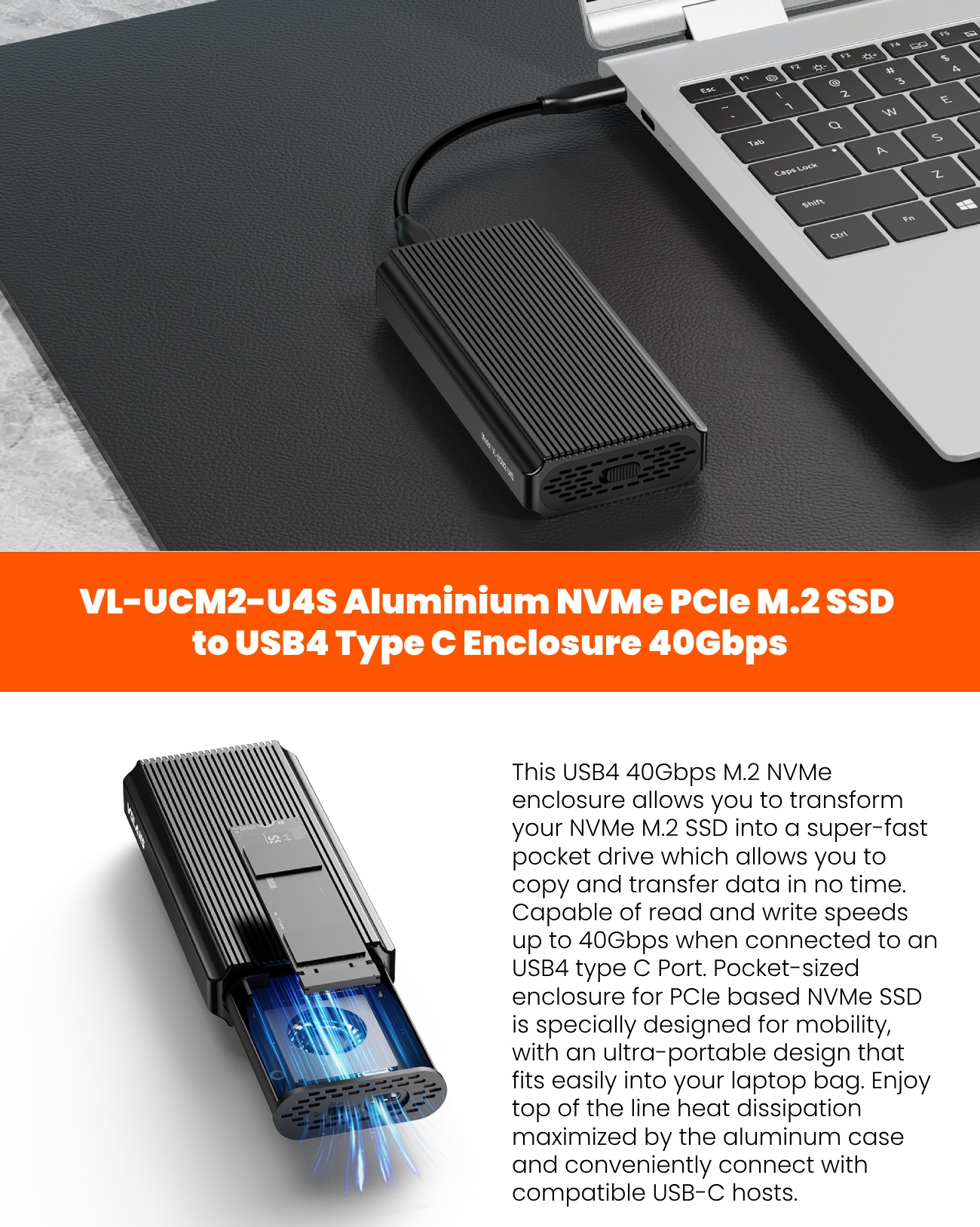
Product Model |
VL-UCM2-U4S |
| Product Material | Aluminum |
| Transfer Rate | USB 4 up to 40Gb/s |
| IC Chipset | Asmedia ASM2464PD |
| Interface Type | USB4/Thunderbolt to PCIe Gen4 x4 NVMe |
| PCI Express Features | Support up to PCI Express Gen4 x4. |
| Support PCI Express NVMe SSD | |
| Support up to 4TB M.2 NVMe SSD | |
| Supported SSD Size |
2280, 2260, 2242 and 2230 M.2 form factors |
| Supported Standards |
USB4/USB 3.1 Gen 2/USB 3.1 Gen 1/USB 3.0/USB 2.0 |
| Thunderbolt3/4 | |
| UASP / Trim Support | Yes |
| Active Fan | Yes(built-in cooling fan) |
|
Operating Systems Supported |
Windows/Mac OS/Linux/Android/iPad OS/iOS |
|
Working status indicator |
Sleep state: off for 5 seconds, on for 1 second~~Repeat |
| USB4/Thunderbolt3/4 status: ice blue light flashing | |
| USB status: green light flashing | |
|
Method of insert the SSD |
TOOL-FREE, no need any screws with screwdriver |
| Power Adapter | USB Bus Powered |
| Accessory | 1x USB-C to USB-C cable |
| 1x USB-C to USB-A adapter |
| 5 | ☆ | |
| 4 | ☆ | |
| 3 | ☆ | |
| 2 | ☆ | |
| 1 | ☆ |
- User Reviews (2)
- Write Review
This was what was recommended by a tech friend and to be honest, it is good and bad. Inserting the memory was no drama, but, working with the rubber stopper to hold down the memory wasn’t very effective. the usb-c cable supplied is terrible, too loose of a fitting, meant it easily disconnected from my computer and wouldn’t work. (had to use another usb-c cable with a snug fit to get to work on enclosure side)
The unit gets very, very hot when in use, I don’t know the longterm effect this will have???
•
Everything is as described except it’s hard to plug in other usb4 wire to the enclosure. I have to use the wire that comes with the item but it’s so short and hard to bend. Common usb4 shoulder is bigger than the slot. Now I have a problem of ssd keeps ejecting from my Mac.


Reviews
There are no reviews yet.